


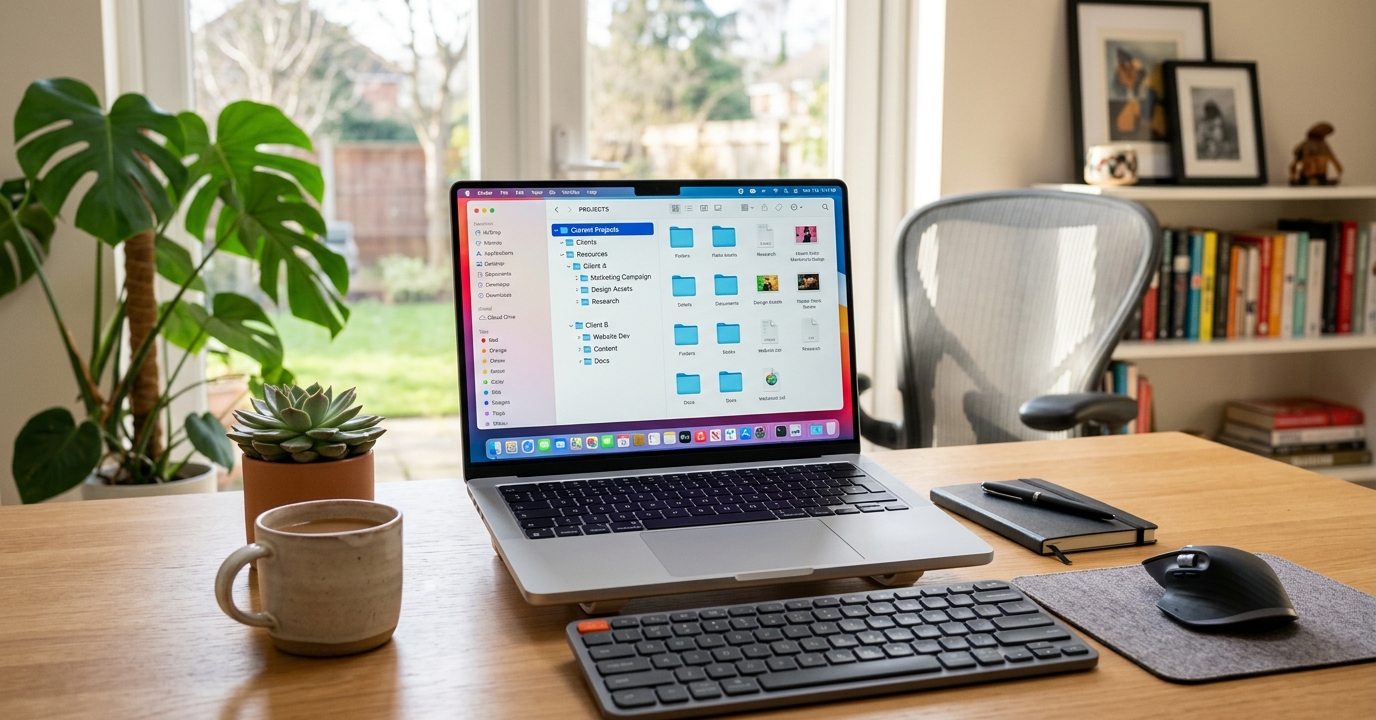
Let’s face it—keeping your digital files in order isn’t just about neatness; it’s about saving time and staying sane. Whether you’re juggling work deadlines, family photos, or creative projects, a messy digital space can leave you frustrated and wasting hours searching for that one file. Here’s how to take control of your digital life with practical strategies that actually work.
Digital clutter piles up faster than you’d think. But with a solid system in place, you can turn that chaos into something manageable—and maybe even enjoy the process. Let’s get started.

Why Digital File Organization Matters in 2025
Did you know the average professional spends over four hours a week just hunting for documents? That’s according to McKinsey. It’s not just wasted time—it’s missed deadlines, duplicated efforts, and the occasional panic when you can’t find that crucial file.
By 2025, we’re creating more digital content than ever. Remote work is the norm, and our devices are stuffed with everything from work presentations to personal tax records. Without a clear system, finding what you need becomes a nightmare.
Getting organized isn’t just about saving time. It’s about reducing stress, improving collaboration, and protecting your files from accidental loss or security risks. Think of it as a safety net for your digital life.
Creating an Effective Folder Structure System
The first step to organizing digital files is building a folder structure that makes sense. Think of it like a filing cabinet—clearly labeled drawers help you find what you need without digging through chaos. And unlike physical cabinets, digital folders can be endlessly rearranged.
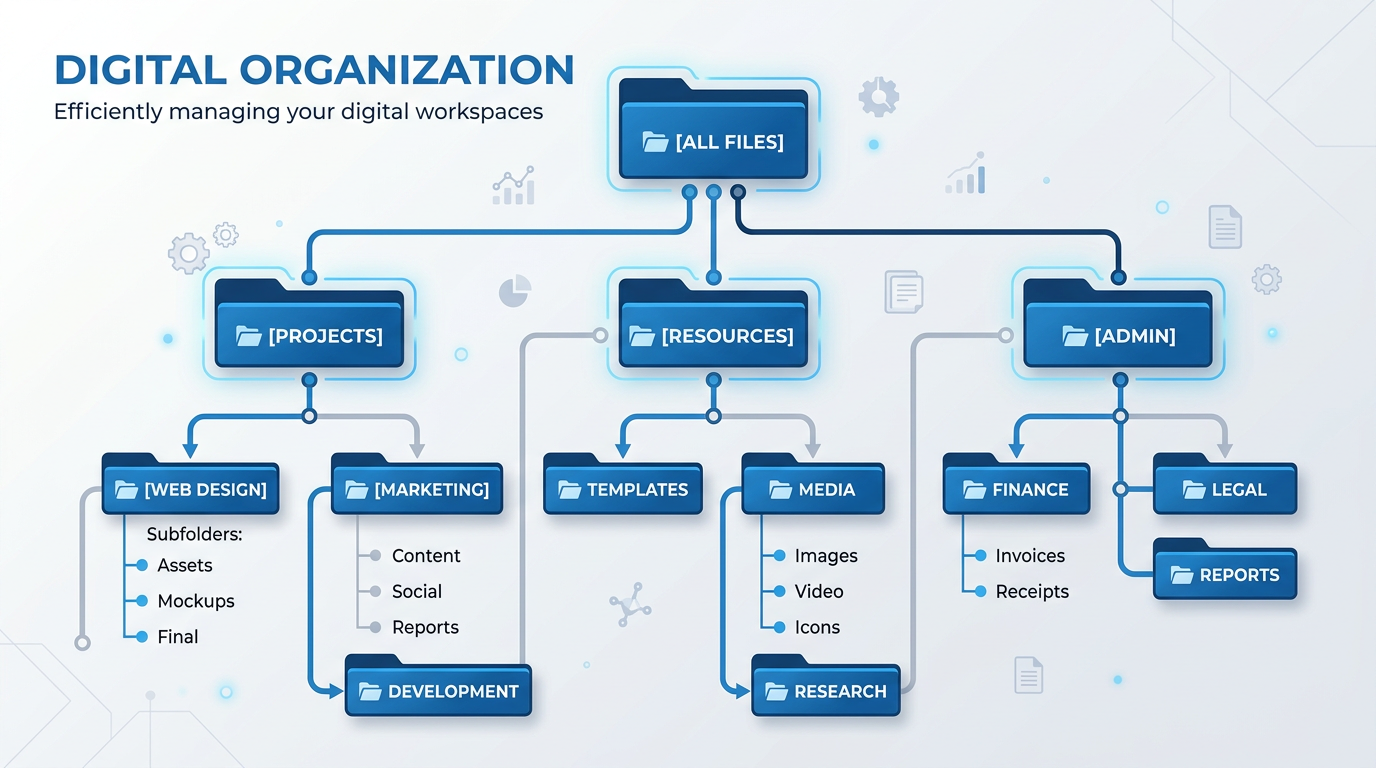
Start with broad categories that reflect your life. Think Work, Personal, Finance, Creative Projects, and Archive. Keep it simple—too many top-level folders can overwhelm you. Within each main folder, add subcategories that fit. For example, your Work folder might have subfolders by client or project, while Personal could include Health, Education, and Travel.
Implementing the Three-Level Rule
Here’s a tip: stick to three levels of folders whenever you can. For example, Finance > Taxes > 2025. Beyond that, navigation gets messy. If you find yourself creating a fourth or fifth level, ask yourself if it’s really necessary. Sometimes, fewer folders with better names work best.
Creating Consistent Category Systems
Consistency is key. If you organize one folder by date and another by project type, you’ll spend more time guessing than finding. Pick a system—chronological, categorical, or project-based—and stick with it. A mix can work too, like organizing by project at the top level and by date within each project.
Pro tip: Add a “00_Templates” folder in relevant categories. The “00” ensures it stays at the top of the list, making templates easy to find.
File Naming Conventions That Actually Work
File names matter—a lot. A good name tells you everything without opening the file. And consistent naming makes searching a breeze.
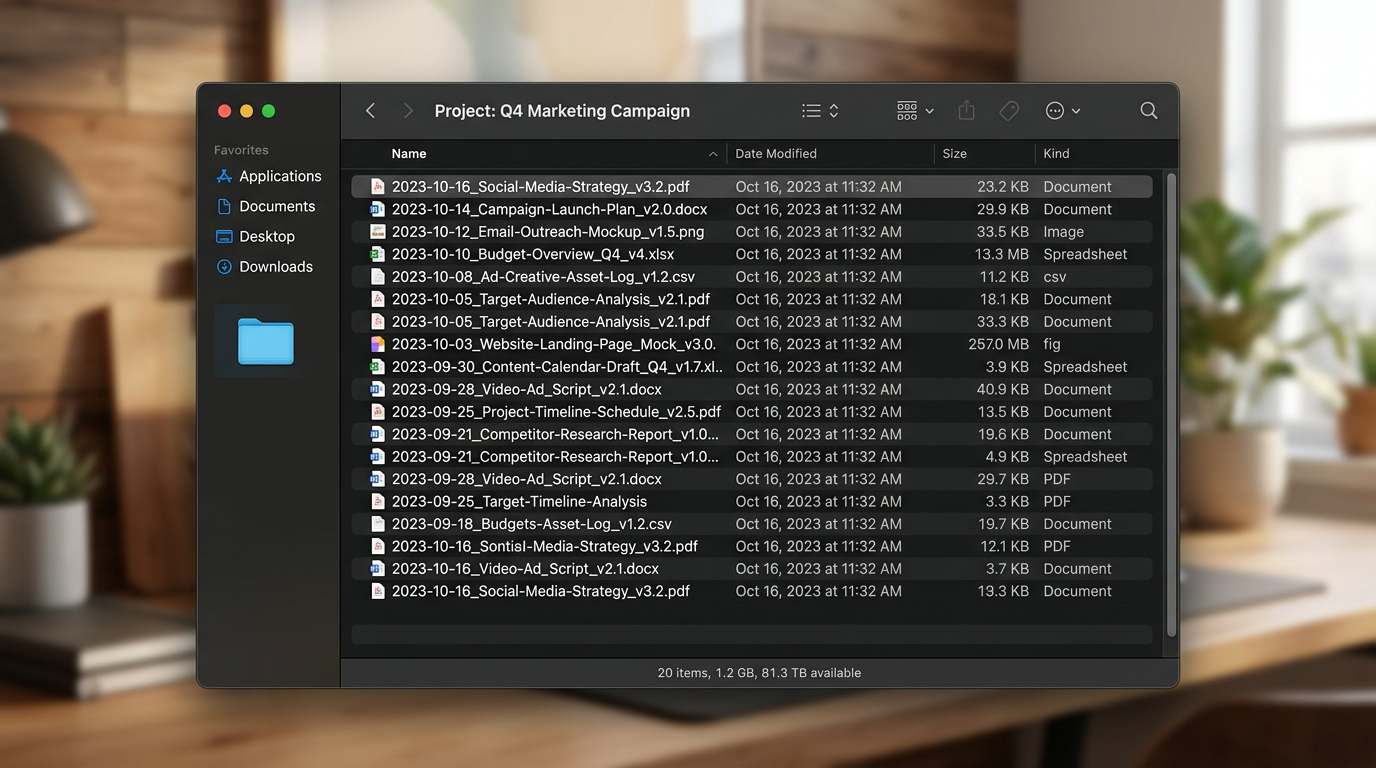
Here’s a format that works: Date_ProjectName_Version_Description. For example, “2025-03-15_ClientProposal_v2_Final.pdf”. Start with dates in YYYY-MM-DD format for automatic sorting, and keep it clear and concise.
Essential Naming Rules to Follow
Avoid special characters like /, \, :, *, ?, “, <, >, and |—they can cause issues across systems. Stick to underscores or hyphens instead. Keep names descriptive but short—25-50 characters is ideal. And don’t forget version numbers like “_v1” or “_final” to keep track of updates.
Best Practices for Cloud Storage Organization
Organizing files doesn’t stop at your computer. Cloud storage is essential for accessing files anywhere and protecting against data loss. But it comes with its own challenges.
Use the same folder structure and naming conventions in the cloud as you do locally. Decide what belongs in the cloud—files you need across devices or for collaboration—and keep large or rarely accessed files locally.
Organizing Shared Folders and Collaboration Spaces
Shared folders need extra care. Set clear rules with collaborators about folder structure and naming. Add a “READ ME” document explaining the system so everyone stays on track. Keep shared folders for active projects only—move completed files to personal storage to avoid clutter.
Tools like AI-powered productivity tools can make collaboration smoother.
How to Organize Digital Files: Maintaining Your System Long-Term
Building a system is just the start—keeping it organized is the real challenge. But with a few habits, you can stay on top of it.
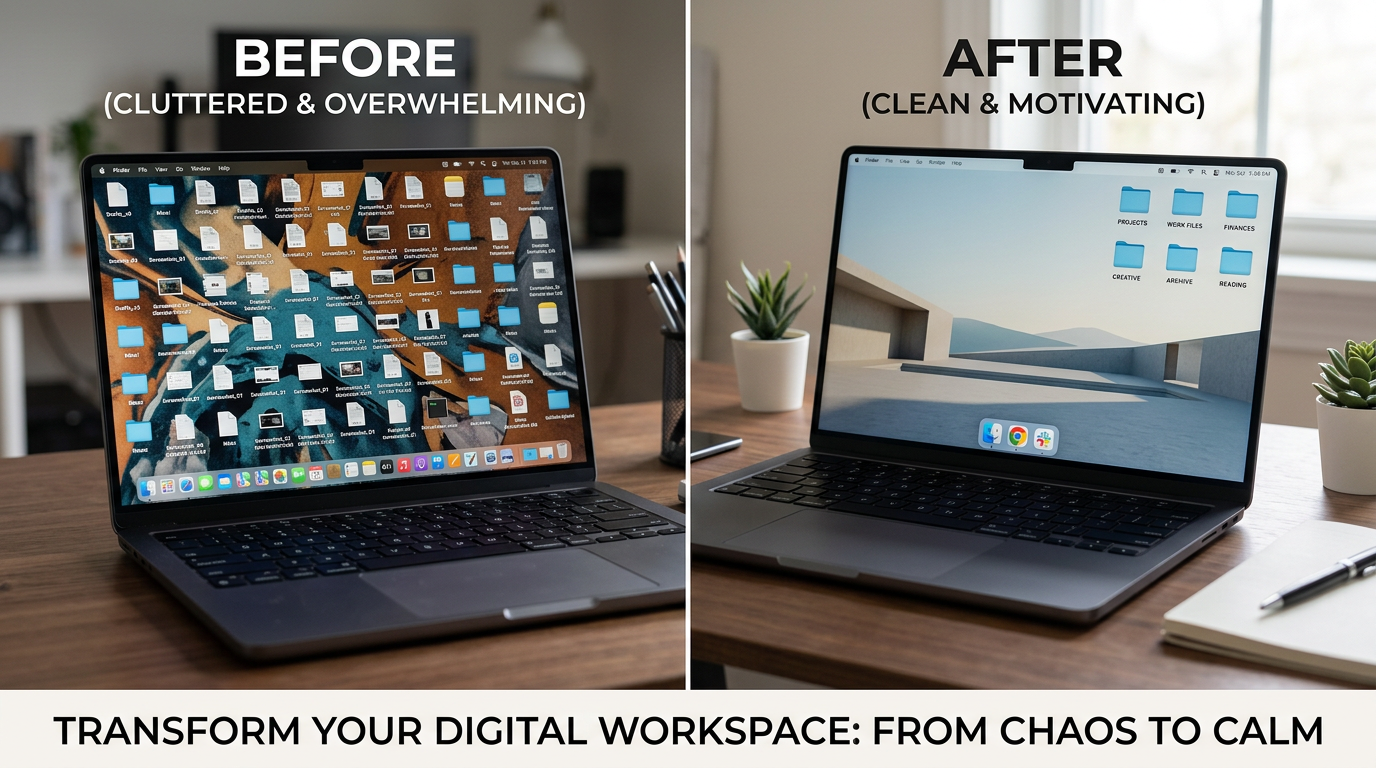
Schedule monthly decluttering sessions. Spend 30 minutes deleting unnecessary files and ensuring everything’s in its place. Do a deeper review quarterly. And adopt the “file it now” habit—save documents with proper names in the right folders immediately.
Use your desktop and Downloads folder as temporary spaces only. Clear them daily to prevent clutter.
Automating Organization Where Possible
Automation can help. Use tools that move files to designated folders automatically or rename files according to your conventions. Tools like AI-powered tools are making this easier than ever.
Strategies to Declutter Digital Documents
Digital hoarding is real—we keep files “just in case” until our storage is packed. Apply the one-year rule: if you haven’t opened a file in a year and it’s not legally required, delete it. Use duplicate file finder tools to rid your system of copies.
Adapting Your System as Needs Change
Your needs will evolve, and so should your system. Reassess your folder structure during major life changes, like starting a new job or business. Stay open to new tools and techniques—AI-powered content creation tools are changing how we manage digital assets.
Frequently Asked Questions
What is the best way to organize digital files on my computer?
The best approach combines a clear folder hierarchy with consistent naming. Start with 5-7 main folders, add subcategories, and stick to three levels. Use descriptive filenames with dates in YYYY-MM-DD format. Regular reviews and immediate filing keep everything in place.
How often should I organize and clean up my digital files?
File new documents immediately—don’t let them pile up. Spend 30 minutes monthly deleting unnecessary files and ensuring everything’s organized. Do a deeper quarterly review to archive old projects and reassess your system.
Should I organize files differently in cloud storage versus my computer?
No, keep it consistent. Use the same folder structure and naming conventions across all locations. Prioritize files needing cross-device access or collaboration for the cloud.
What file naming convention works best for organizing documents?
Try this format: Date_ProjectName_Version_Description. For example, “2025-03-15_ClientProposal_v2_Final.pdf”. Use YYYY-MM-DD for dates and avoid special characters. Keep names clear and include version numbers.
How can I prevent my organized file system from becoming messy again?
File documents immediately—don’t let them linger in Downloads or on your desktop. Set reminders for monthly organization sessions. Use automation tools where possible. And create a “READ ME” document explaining your system to keep yourself on track.
















No Comments