


Why Start a Podcast in 2025?
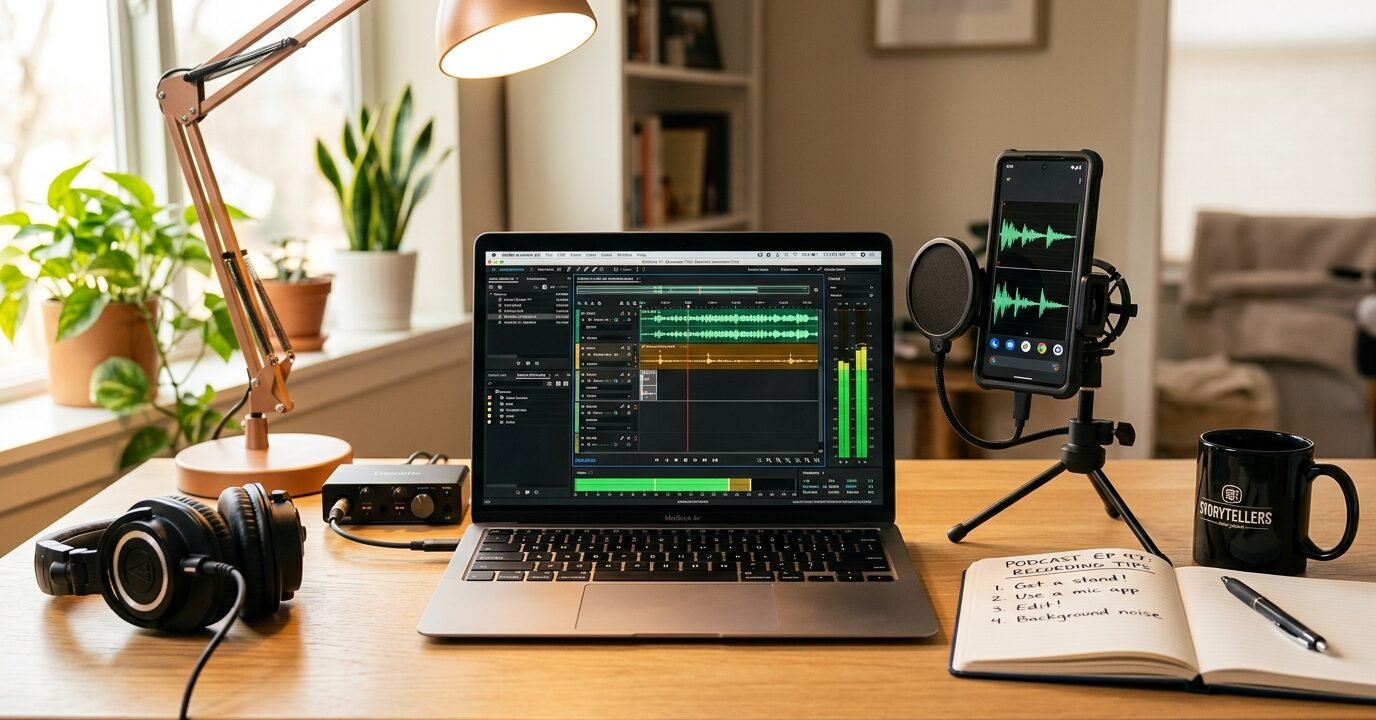
Podcasting has become a go-to medium for creators and listeners alike. And here’s the kicker: it’s easier than ever to get started. If you’re curious about how to start a podcast for free, you’ve landed in the right spot. This guide breaks it all down, showing you how to launch your podcast without spending a dime.
By 2025, podcasting will be more accessible and rewarding than ever. With over 460 million regular listeners globally, there’s a growing appetite for niche content. This means you can carve out a space for yourself and build a dedicated audience.
Starting a podcast isn’t just about sharing your voice—it’s a chance to position yourself as an expert in your field. It’s also a fantastic way to connect with people who share your passions. Many podcasters have turned their shows into thriving businesses, landing speaking gigs, consulting opportunities, and more.
The best part? You don’t need fancy equipment or technical know-how. Free tools and platforms have leveled the playing field, making it possible for anyone with a story or idea to get started. The trick is knowing which resources to use and how to make the most of them.
Essential Free Podcast Equipment and Software
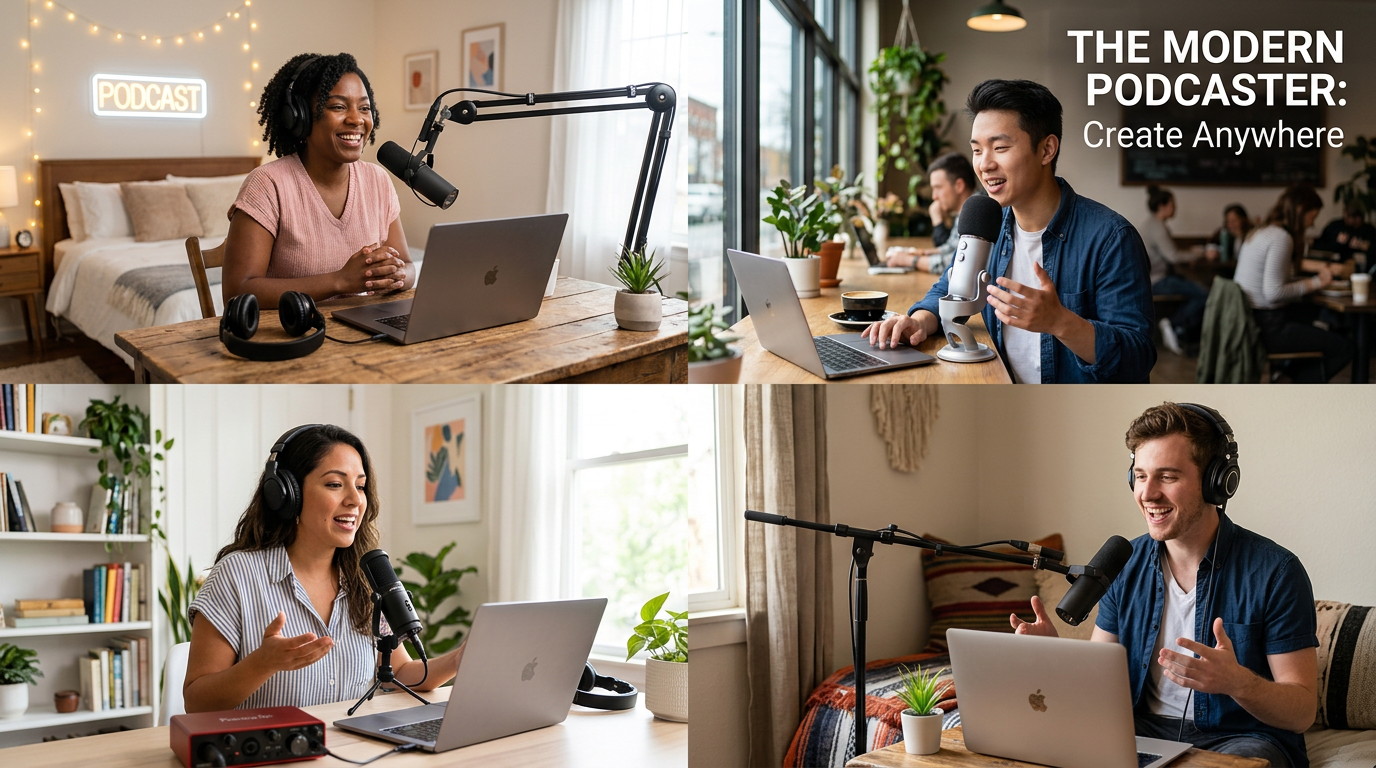
Thinking about how to start a podcast for free? Good news—you probably already own most of what you need. Let’s break it down.
Microphone Options
Your smartphone likely has a microphone that’s more than capable. Modern phones can capture decent audio quality for podcasting. Laptop microphones work too, especially for your first few episodes. Plenty of successful podcasters started with nothing more than their phone.
If you’re looking for a slight upgrade, ask around. A friend might have a USB mic you can borrow. And don’t forget your local library—some even lend out recording gear.
Recording Software
There are plenty of free recording apps perfect for podcasting. Audacity is a favorite—it’s powerful, free, and works on Windows, Mac, and Linux. For Mac users, GarageBand is another solid option. Anchor also includes built-in recording tools that are super beginner-friendly.
Free Editing Software
Audacity is a great choice for editing, offering features like cutting, splicing, and basic enhancement. DaVinci Resolve, primarily a video editor, also has free audio editing capabilities. If you prefer simplicity, Anchor lets you edit directly in their platform—no need for extra downloads.
Planning Your Podcast Content and Format
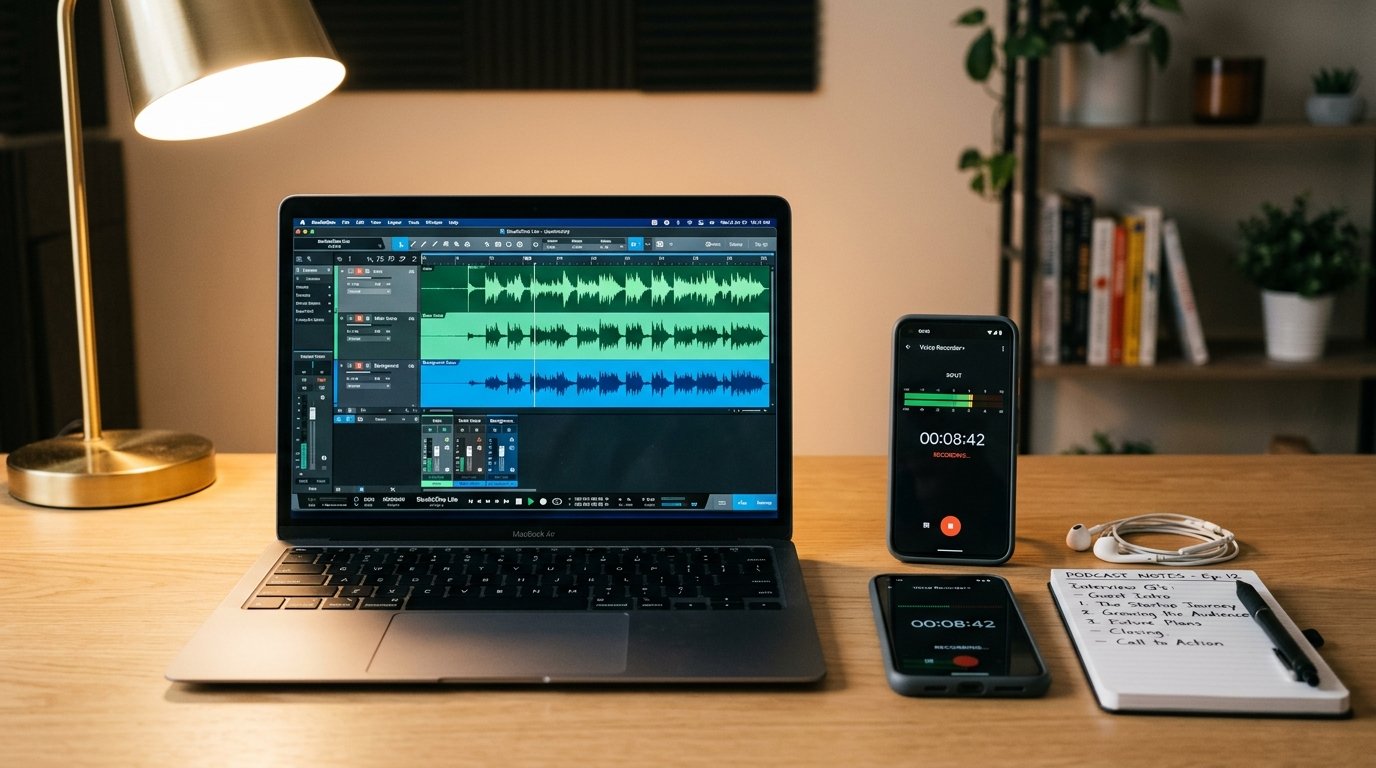
Before you hit record, take time to plan. Great podcasts don’t happen by accident—they’re the result of thoughtful preparation.
Defining Your Niche
Choose a topic you’re passionate about and knowledgeable in. Broad topics are crowded, so zero in on something specific. For example, instead of just “business,” focus on “eco-friendly practices for small retailers.”
Your niche should align with your expertise, your passion, and what your audience wants. Make sure you have enough ideas for at least 20 episodes—this shows you’re in it for the long haul.
Choosing Your Format
Podcasts come in many shapes and sizes. Solo shows let you share your insights. Interview formats bring guests into the mix. Co-hosted podcasts create lively conversations, while panel discussions offer diverse perspectives.
Pick a format that plays to your strengths. If you’re naturally chatty, a co-hosted show might work well. If you prefer structure, go solo. And remember, you can mix formats as your podcast evolves.
Creating Your Podcast Launch Checklist
A checklist keeps you organized. Here’s what to include:
- Podcast name and description
- Cover art design (try free tools like Canva)
- First 3-5 episode topics outlined
- Recording schedule established
- Hosting platform selected
- RSS feed set up
- Social media accounts created
- Launch date determined
Plan your content calendar at least a month ahead. Consistency is key—it’s better to stick to a schedule than chase perfection.
Just like organizing your digital files boosts efficiency, organizing your podcast workflow keeps things running smoothly. Create folders for raw audio, edited episodes, show notes, and promotional materials.
Recording and Editing Your First Episode
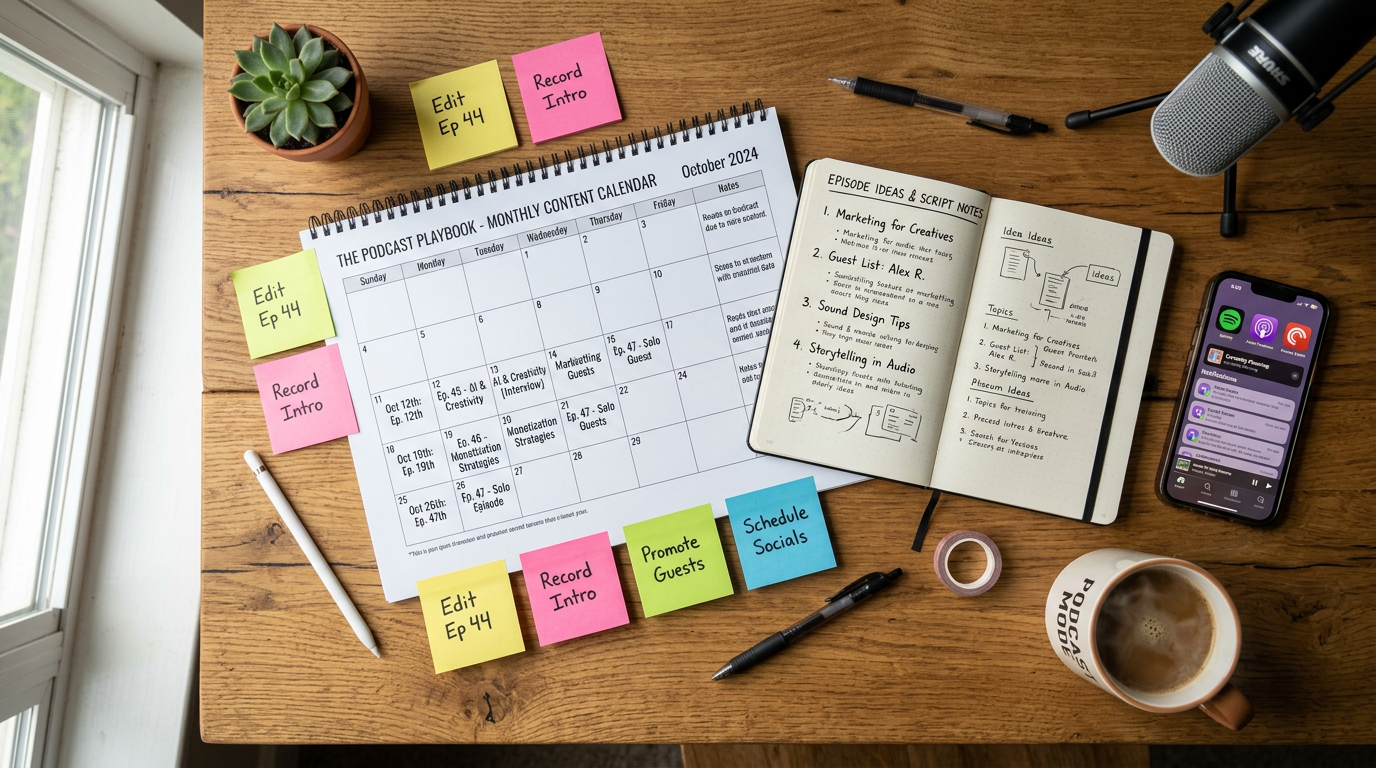
Ready to record? It might feel daunting at first, but you’ll get the hang of it.
Setting Up Your Recording Space
Find a quiet spot with minimal echo. Rooms with soft furnishings—like carpets and curtains—work best. Close windows to block outside noise.
Eliminate interruptions. Turn off notifications, let household members know you’re recording, and consider a “recording in progress” sign.
Recording Best Practices
Keep your mic 6-8 inches from your mouth. Speak naturally—don’t stress over mistakes. You can edit them out later. Even pros make errors listeners never hear.
Record a test clip first to check audio levels. Adjust your setup if needed—it’s worth the extra minute.
Talk like you’re chatting with a friend. Consistent energy and clarity go a long way in keeping your audience engaged.
Editing Your Audio
Import your recording into your editing software. Cut out mistakes, pauses, and filler words like “um” and “uh.” But don’t overdo it—some imperfections keep things real.
Normalize audio levels for consistency. Apply noise reduction if you hear background hum. These small tweaks make a big difference.
Add intro and outro music if you like. Royalty-free tracks from sites like YouTube Audio Library or Free Music Archive work well. Keep music segments short—your audience is here for your content.
Export your final episode as an MP3 file. A bitrate of 128 kbps strikes a good balance between quality and file size.
How to Start a Podcast for Free: Publishing and Promoting
Publishing and promoting your podcast doesn’t have to cost a thing. Free hosting platforms and smart strategies can help you build an audience.
Free Podcast Hosting Platforms
Anchor, owned by Spotify, offers free hosting with unlimited episodes. It automatically distributes your podcast to major directories and includes basic analytics. Perfect for beginners.
Podbean and Buzzsprout also have free tiers, though with some limitations. Compare features to find the best fit for your needs.
Submitting to Podcast Directories
Once your podcast is hosted, submit it to directories like Apple Podcasts, Spotify, and Google Podcasts. Most hosting platforms handle this for you.
Create eye-catching cover art. Canva’s free tools can help you design something professional and on-brand.
Free Promotion Strategies
Leverage social media. Share clips, quotes, and behind-the-scenes content—but don’t just spam links. Engage authentically with your audience.
Ask friends and family to listen, rate, and review your podcast. Early reviews boost visibility.
Guest on other podcasts to reach new listeners. Invite guests with their own audiences to your show—it’s a win-win.
Write detailed show notes and post them on a free blog or website. This helps with SEO and gives listeners valuable reference material. Just as free AI tools can streamline your workflow, show notes boost your podcast’s discoverability.
Consistency is key. Whether you publish weekly or monthly, stick to your schedule. Reliability builds trust with your audience.
Engaging Your Audience
Encourage interaction. Ask for feedback, topic suggestions, and reviews. Respond to comments and messages—it helps build a loyal community.
Create an email list to stay connected with your audience. Free services like Mailchimp let you send updates, exclusive content, and episode announcements.
Frequently Asked Questions
How much does it really cost to start a podcast for free?
You can start a podcast for absolutely nothing. Use your smartphone or laptop, free software like Audacity, and a hosting platform like Anchor. Optional upgrades can improve quality, but they’re not necessary when you’re starting out.
What equipment do I absolutely need to start podcasting?
At minimum, you need a device to record and internet access to upload. Your phone or computer works fine. While a dedicated mic improves sound quality, it’s not essential upfront. Focus on your content first—equipment can come later.
How long should my podcast episodes be?
Episode length depends on your content and audience. Most podcasts run 20 to 60 minutes, but shorter or longer formats can work too. Keep it engaging—cut out anything that doesn’t add value.
How often should I publish new episodes?
Consistency beats frequency. Weekly episodes are common, but biweekly or monthly schedules can work too. Choose a pace you can maintain long-term. Sporadic releases confuse listeners and slow growth.
How do I get my first listeners if I’m completely unknown?
Start with your network—ask friends, family, and colleagues to listen and review. Share your podcast on social media and join relevant online communities. Guesting on other podcasts can also help you tap into established audiences.
















No Comments